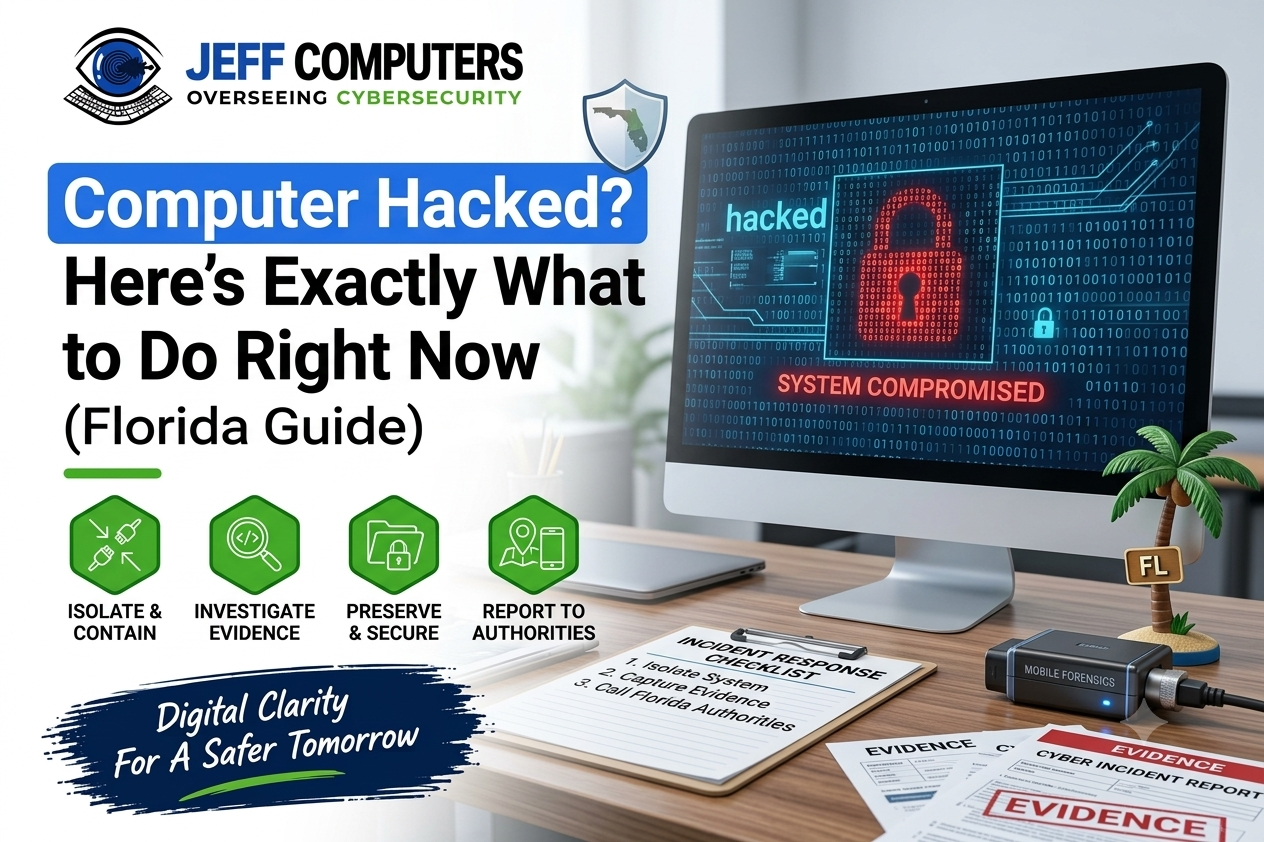
Think your computer has been hacked? Don’t panic—but don’t ignore it either.
If you’re reading this because your computer was hacked or you think it might have been, take a breath. It’s stressful, but what you do in the next few minutes can make a difference.
I’m Jeff, and I help people across Osprey, Sarasota, Venice, and Sarasota County, Florida with hacked computers, malware, ransomware, and tech support scams. I’ve seen the same pattern over and over: the biggest problems often happen because of what people do immediately after discovering a hack.
Jeff Computer has served Osprey and Sarasota County since 1994, providing local and remote computer support throughout Florida.
A computer that suddenly becomes extremely slow, displays strange pop-ups, opens unfamiliar programs, changes browser settings, sends emails you didn’t write, or shows a ransom message may be dealing with malware or another security problem.
The first priority is to limit further access, protect your important accounts, and determine what happened.
Quick answer: If you think your computer has been hacked, disconnect it from the internet, avoid entering sensitive information on the affected device, secure important accounts from a trusted device, and get professional help if you see signs of ransomware, unauthorized remote access, persistent malware, or suspicious account activity.
How to Tell If Your Computer Has Been Hacked
One strange symptom does not automatically mean your computer was hacked. Slow performance, for example, can have many causes.
But several unusual changes appearing together deserve attention.
1. Your computer suddenly becomes extremely slow
A sudden and unexplained performance change can sometimes be associated with malware running in the background. However, slow performance can also result from aging hardware, insufficient storage, excessive startup programs, or software problems.
2. Your cursor moves by itself
If the mouse moves, windows open, or applications launch without you doing anything, investigate it. Possible explanations include remote-access software, malware, a faulty mouse or touchpad, or another technical issue.
3. You see programs you don’t recognize
Check recently installed applications. Unknown software can be legitimate, but unfamiliar programs—especially ones you don’t remember installing—deserve investigation.
4. Your browser suddenly looks different
Watch for:
- An unfamiliar homepage
- A different search engine
- Unknown browser extensions
- Repeated redirects
- Strange advertisements
- Search results taking you to unexpected websites
These can be signs of browser hijacking or unwanted software. Jeff Computer specifically provides browser-hijacker and adware removal.
5. Pop-ups keep appearing
Unexpected security warnings, fake virus alerts, or repeated pop-ups can indicate malware or a tech-support scam.
Never automatically call the phone number displayed in a suspicious pop-up.
The FTC warns that scammers commonly use alarming pop-ups and fake technical-support messages to convince people to provide money, information, or remote access.
6. Your antivirus or security software suddenly stops working
If security software has been disabled unexpectedly, don’t simply assume everything is fine. Some malicious software attempts to interfere with security tools.
7. Emails or messages were sent without you
If friends, family, customers, or coworkers tell you they received suspicious messages from your account, investigate both the account and the device. Your email account could have been compromised—or the device itself could have a security problem.
8. Files disappear or become inaccessible
Missing files can result from accidental deletion, hardware failure, software problems, malware, or ransomware. If files suddenly become encrypted or filenames/extensions change, stop experimenting with the affected system and consider professional assistance.
9. You are locked out of an account
Unexpected password changes, failed logins, security alerts, or recovery-email changes may indicate that an online account—not necessarily the computer itself—has been compromised. Secure the account using a trusted device.
10. You see a ransom note
This is one of the most serious warning signs. Ransomware can encrypt files and make them inaccessible. The FBI’s 2025 IC3 report recorded more than 3,600 ransomware complaints, with reported losses exceeding $32 million; those figures represent reported complaints and do not capture every incident.
Is my slow computer hacked? Not necessarily. Old hardware, a full drive, and too many startup programs also cause slowness. It becomes suspicious when slowness appears suddenly alongside other signs on this list.
Types of Computer Hacks Florida Residents Face
Understanding what you’re dealing with helps you respond correctly.
Malware and viruses. Malicious software that damages your system, steals information, or gives attackers a foothold. It typically arrives through fake downloads, infected attachments, or compromised websites.
Ransomware. Malware that encrypts your files and demands payment for the key. Florida businesses, medical offices, and local governments have all been targets. For home users, it can mean losing decades of family photos. For businesses, it can mean days of downtime.
Keyloggers and spyware. These record your keystrokes and activity, capturing banking logins and passwords without any visible symptoms. It’s the most dangerous type because it often stays quiet for weeks.
Remote access trojans (RATs). These give an attacker hidden control of your computer, including your files, webcam, and screen.
Browser hijacking. Your browser is redirected to unwanted sites, loaded with ads, or has extensions that capture what you type.
Phishing-delivered hacks. You click a link or open an attachment in a convincing email or text (“Your package is delayed,” “Suspicious activity on your account”), and malware installs or you enter your password on a fake page.
Tech support scams. A fake “Microsoft” or “Apple” representative convinces you to give them remote access. This is especially common here in Sarasota County. See the full warning below.
📞 Think your computer has been hacked? Call Jeff Computers: +1 (941) 263-0705
What to Do Immediately: Step-by-Step
Do these in order, starting right now.
Step 1: Disconnect from the internet right now
Unplug the Ethernet cable or turn off Wi-Fi. This cuts off anyone controlling your computer remotely and stops data from leaving. Do this first, before anything else.
Step 2: Don’t turn off your computer yet
Leave it powered on but disconnected. A running computer holds evidence (active processes, connections, sometimes ransomware details) that a professional can use to understand what happened. Shutting it down can erase this. If you see ransomware actively encrypting files, or you’re advised by a professional to power it down, follow their guidance.
Step 3: Run a malware scan, or call a pro
If you’re comfortable, run a full scan with reputable security software while still offline. If the scan finds nothing but the symptoms continue, or your antivirus won’t open, that’s a sign of a deeper problem. Don’t keep trying random “cleaners” from the internet, as many are malware themselves.
Step 4: Change all passwords from a different device
Using your phone or another computer you trust, change passwords starting with:
- Email (this controls password resets for everything else)
- Banking and financial accounts
- Apple ID or Microsoft account
- Social media and shopping accounts
Turn on two-factor authentication wherever possible. Use unique passwords and a password manager.
Step 5: Check your bank and financial accounts
Look for unfamiliar transactions. Call your bank’s fraud line (the number on the back of your card) and tell them your computer was compromised. Consider placing a fraud alert or credit freeze with Equifax, Experian, and TransUnion, which is free.
Step 6: Revoke suspicious remote access
Remote access tools like AnyDesk, TeamViewer, or “Quick Assist” may have been installed by a scammer. From a clean device, check your accounts’ connected devices and sessions, and sign out everywhere. On the affected computer, a professional can safely find and remove hidden remote access.
Step 7: Contact a local cybersecurity expert
A hacked computer often has more than one problem, such as backdoors, stolen credentials, and altered settings. A local professional can find all of it and tell you whether your data was exposed. In Sarasota County, that’s what we do at Jeff Computers.
Step 8: Report it
- FBI Internet Crime Complaint Center (IC3): ic3.gov
- Federal Trade Commission: ReportFraud.ftc.gov
- Local police, if you lost money or identity information
Reporting creates a record that can help with bank disputes and identity theft recovery.
Step 9: Get Professional Help
If you believe your computer has been hacked, don’t rely on a quick antivirus scan alone. A compromised computer may have malware, unauthorized remote access, stolen credentials, or changed security settings that aren’t obvious at first.
A professional can:
- Check for malware, spyware, ransomware, and suspicious programs
- Look for unauthorized remote-access software
- Identify unusual accounts, processes, and network connections
- Remove malicious software and unwanted access
- Help secure your accounts and computer after the incident
- Check whether your personal or business data may have been exposed
- Recommend the safest next steps if the computer needs to be repaired or reset
If you’re in Sarasota County, Jeff Computers can help.
At Jeff Computers, we help customers in Sarasota, Venice, Osprey, and surrounding Sarasota County communities deal with hacked computers, malware, ransomware, remote-access scams, and other cybersecurity problems.
📞 Think your computer has been hacked? Call Jeff Computers: +1 (941) 263-0705
The Mistake People Make After Being Hacked
They Google for help on the hacked computer itself.
It feels natural, but if your computer is compromised, an attacker may see everything you type and click. Worse, hackers and scammers pay for ads and fake “support” pages, so a search for “computer hacked help” on an infected machine can lead you straight to a fake support number.
Do this instead: Use your phone or another trusted device to look up help, change passwords, and contact your bank. Treat the hacked computer as untrusted until it’s been professionally checked.
Do You Need a Professional? An Honest Assessment
Not every situation requires a technician. Here’s my honest take:
DIY might be enough if:
- You got a single popup, closed it, and nothing else changed
- A reputable scan finds and removes a known threat
- You didn’t enter any passwords, give anyone access, or pay anyone
- No symptoms remain after changing passwords
Call a professional if:
- You see a ransom note or can’t open your files. Ransomware is always a call-a-pro situation. Don’t pay the ransom, and don’t try to “fix” it yourself first.
- Someone had remote access, whether you gave it or not
- You entered banking details or passwords into a suspicious site
- Your antivirus is disabled and won’t turn back on
- The computer is used for business, medical, or client data
- Symptoms return after you’ve “cleaned” it
- You’re not sure, and that uncertainty is stressing you out
What a professional does that a scan can’t: finds hidden backdoors, checks whether your data was stolen, recovers files where possible, rebuilds the system securely, and tells you which accounts to prioritize.
📞 Need help now? Call Jeff Computers at +1 (941) 263-0705. We serve Osprey, Sarasota, Venice, Nokomis, and surrounding areas.
How to Secure Your Computer After a Hack
Once the immediate danger has passed, use this checklist:
- Have the system professionally cleaned or rebuilt
- Install all Windows or macOS updates
- Use a reputable, actively managed security product
- Change every password again after cleanup, from the clean system
- Turn on two-factor authentication on email, banking, and social media
- Use a password manager, with unique passwords everywhere
- Set up automatic backups following the 3-2-1 rule (3 copies, 2 different media, 1 offsite or offline)
- Remove programs you don’t use or recognize
- Secure your router: change the default password and update its firmware
- Be skeptical of unexpected emails, texts, and calls
- Never allow someone who contacts you first to take remote control of your computer
- Review bank and credit reports regularly
On backups: A good offline backup is the single best defense against ransomware. If your files are backed up and disconnected, ransomware loses most of its power.
📞 Think your computer has been hacked? Call Jeff Computers: +1 (941) 263-0705
Special Warning: Business Computers in Florida
If the hacked computer is used for work, the stakes are higher.
Data breach liability. Florida law (the Florida Information Protection Act) requires many businesses to notify affected individuals after a breach of personal information, within set deadlines. Waiting or hiding it can increase your exposure. [Verify current requirements with an attorney.]
HIPAA. If you’re a medical, dental, or therapy practice, or a business handling patient information, a hacked computer may trigger HIPAA breach assessment and reporting duties.
What to do for a business computer:
- Isolate the affected machine from the network
- Don’t wipe it, since evidence matters for insurance and legal review
- Notify your IT provider and cyber insurance carrier
- Document what happened and when
- Consult an attorney about notification obligations
Managed IT (continuous monitoring, patching, backups, and security) is far cheaper than recovering from a breach. Jeff Computers provides IT support and cybersecurity for small Sarasota County businesses. Ask about a security assessment.
This is general information, not legal advice. Consult a qualified attorney about your specific obligations.
Florida Tech Support Scams: A Special Warning
If you live in Sarasota County, you’re in one of the most targeted areas for tech support scams. Scammers deliberately target retirees and seniors, and they’re convincing.
How the “Microsoft called me” scam works:
- A popup says your computer is infected and tells you to call a number, or someone phones claiming to be from Microsoft, Apple, or your internet provider
- They ask you to open a program or website to “see the problem”
- They get remote access and show you scary-looking “errors” (which are normal Windows messages)
- They demand payment for “repairs” through gift cards, wire transfer, or crypto
- Often they also install hidden software and later come back for more money
The facts:
- Microsoft and Apple do not make unsolicited calls about problems with your computer
- Real virus warnings never include a phone number to call
- Legitimate companies never ask for payment in gift cards
- Never give remote access to someone who contacted you
If you’ve fallen for it:
- Disconnect from the internet
- Call your bank immediately and report the payment
- Change your passwords from another device
- Don’t answer the scammer’s calls again
- Report it to the FTC and IC3
- Have your computer professionally checked. Scammers often leave remote access tools behind.
There is no shame in this. These are professional criminals, and they fool smart, careful people every day. Jeff Computers helps Sarasota County residents recover from these scams, with no judgment, in plain language, and with patient support.
📞 Think your computer has been hacked? Call Jeff Computers: +1 (941) 263-0705
Frequently Asked Questions
1. What should I do first if my computer was hacked?
Disconnect it from the internet immediately by unplugging Ethernet or turning off Wi-Fi. Then, from a different device, change your important passwords and contact your bank if finances may be involved.
2. How do I know if my computer has been hacked?
Common signs include a cursor moving on its own, unknown programs, browser changes, constant popups, disabled antivirus, strange messages sent from your accounts, missing files, and ransom notes. Several together are a strong warning.
3. Should I turn off my computer if it’s hacked?
Disconnect it from the internet first. In most cases, leave it powered on until a professional looks at it, since shutting down can erase evidence. An exception is active ransomware encryption, where you should follow professional guidance quickly.
4. Can a hacked computer be fixed?
Usually yes. Many can be cleaned, and in more serious cases the system is rebuilt securely. Your files can often be preserved, especially with a good backup.
5. Can antivirus remove a hack?
Sometimes, for common malware. But antivirus may not detect remote access tools, stolen credentials, or advanced threats, and it doesn’t undo what an attacker already did. If symptoms continue, get professional help.
6. My computer is running slow. Is it hacked?
Not necessarily. Slow performance is more often caused by age, low storage, or too many startup programs. It’s concerning when it appears suddenly alongside popups, unknown programs, or disabled antivirus.
7. What should I do if I see strange popups on my computer?
Don’t click them or call any number shown. Close the browser (use Task Manager if needed), and run a security scan. If popups keep returning, there may be malware or a malicious browser extension.
8. What do I do about ransomware on my computer in Florida?
Disconnect from the network, don’t pay the ransom, don’t delete anything, and contact a professional immediately. Report it to the FBI IC3. Backups are the best path to recovery.
9. Can someone access my computer remotely without me knowing?
Yes. Remote access trojans and legitimate remote tools used by scammers can give someone control without obvious signs. If your cursor moves by itself or you gave someone access, disconnect and get your computer checked.
10. Is there a hacked computer repair expert near me in Sarasota or Osprey, FL?
Yes. Jeff Computers in Osprey, FL provides hacked computer repair, malware removal, ransomware response, and cybersecurity help for residents and businesses across Sarasota County. Call +1 (941) 263-0705.
Get Hacked Computer Help in Sarasota County, FL
If your computer was hacked, you don’t have to figure it out alone. Jeff Computers provides:
- Hacked computer cleanup and security repair
- Malware, virus, and spyware removal in Sarasota and Osprey
- Ransomware response and data recovery
- Tech support scam recovery
- Small business cybersecurity and managed IT
- Security setup, backups, and prevention
Serving: Osprey, Sarasota, Venice, Nokomis, Casey Key, Laurel, and all of Sarasota County, FL.
📞 Call Jeff Computers: +1 (941) 263-0705