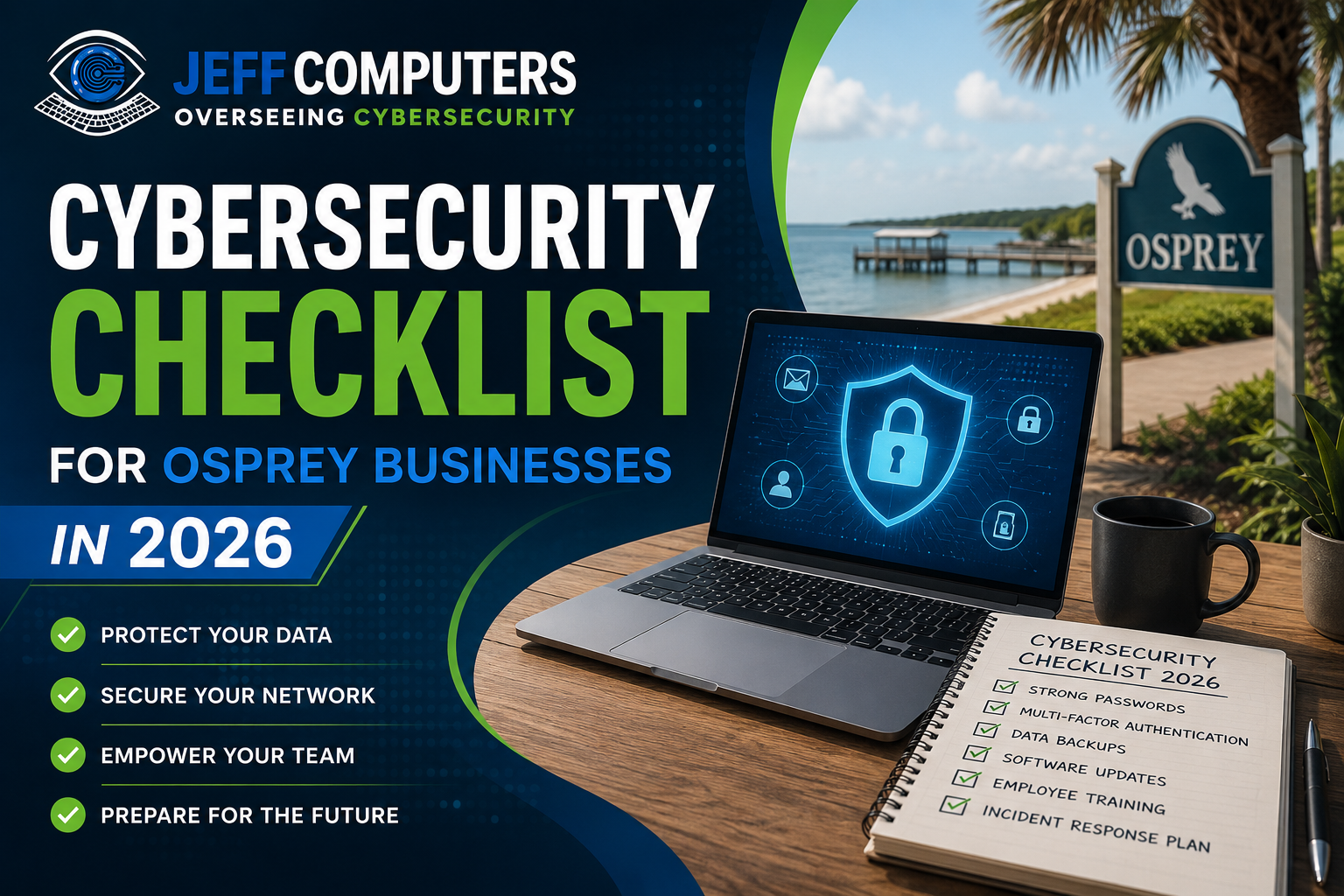
Cybersecurity Checklist for businesses in Osprey, FL are bigger targets than most owners realize. Attackers increasingly favor local businesses over large enterprises because smaller companies often run outdated software, skip employee training, and have no incident response plan. One phishing email or unpatched router can freeze operations for days and cost thousands in recovery.
This Cybersecurity Checklist gives Osprey business owners a practical, no-jargon path to a more secure 2026 — covering the basics that actually stop most attacks, plus the newer risks worth watching this year.
Why 2026 Is Different for Small Business Security
Three shifts are changing the risk landscape for local businesses this year:
- AI-generated phishing is harder to spot — emails and voice calls now sound native and personalized, not full of typos.
- Ransomware-as-a-service has lowered the bar for attackers, so smaller Osprey businesses are now profitable targets, not just Fortune 500s.
- Cyber insurance requirements have tightened; many providers now require documented security controls (MFA, backups, endpoint protection) before they’ll pay a claim.
In short: the threats got smarter, and the safety net (insurance) now demands you’ve done your homework first.
The Osprey Business Cybersecurity Checklist
1. Multi-Factor Authentication (MFA) on Everything
Passwords alone are no longer enough. Enable MFA on email, banking portals, cloud storage, and any admin accounts.
- Turn on MFA for Microsoft 365 / Google Workspace admin accounts first
- Require MFA for remote access (VPN, RDP)
- Use an authenticator app over SMS where possible — SIM-swap attacks are rising
2. Automated, Tested Backups
A backup you haven’t tested is a backup you don’t actually have.
- Follow the 3-2-1 rule: 3 copies, 2 different media types, 1 offsite/cloud
- Automate backups so no one has to remember
- Run a test restore quarterly, not just “when something breaks”
3. Patch Management
Most breaches exploit vulnerabilities that already had a patch available.
- Enable automatic updates for operating systems and browsers
- Patch firewalls, routers, and point-of-sale systems — not just PCs
- Retire software that’s no longer supported (unsupported = unpatched forever)
4. Employee Security Training
Your team is both your biggest risk and your best defense.
- Run phishing-simulation emails at least twice a year
- Train staff to verify unusual payment or wire requests by phone, not reply-email
- Make reporting a suspicious email easy and blame-free
5. Endpoint Protection and Firewalls
- Deploy business-grade antivirus/EDR (endpoint detection & response) on every device, including laptops used from home
- Segment your network so a compromised guest Wi-Fi can’t reach your POS or accounting systems
- Disable unused ports and services on routers and firewalls
6. Access Control and Least Privilege
- Give employees access only to what their role requires
- Revoke access immediately when someone leaves the company
- Review admin account lists quarterly — old accounts are a common backdoor
7. Incident Response Plan
Even well-protected businesses get hit. What matters is response time.
- Write down who to call (IT provider, bank, insurer, legal) before an incident happens
- Keep an offline copy of the plan — you can’t access a cloud doc during a network shutdown
- Assign one person as the decision-maker during an incident
8. Vendor and Third-Party Risk
- Ask key vendors (payment processors, cloud tools) what security certifications they hold
- Limit vendor access to only the systems they need
- Review contracts for data breach notification clauses
Quick Reference Table
| Area | Minimum Standard for 2026 |
|---|---|
| Passwords | MFA enabled on all critical accounts |
| Backups | 3-2-1 rule, tested quarterly |
| Updates | Auto-patching on, unsupported software retired |
| Training | 2x/year phishing simulations |
| Devices | EDR on all endpoints, network segmentation |
| Access | Least privilege, quarterly access review |
| Response | Written incident plan, offline copy |
| Vendors | Documented security requirements in contracts |
How Often Should Osprey Businesses Review This Cybersecurity Checklist?
Review this Cybersecurity Checklist at least twice a year, and immediately after any staff change, new software rollout, or security incident — even a minor one.
Get a Free Cybersecurity Audit from Jeff Computer
Cybersecurity Checklist are a starting point, not a guarantee. Jeff Computer helps Osprey businesses turn this list into a real, monitored security setup — MFA rollout, managed backups, patch management, and staff training, all handled for you.
Book your free cybersecurity audit with Jeff Computer today and find out exactly where your business stands before an attacker does.
Call us Now: +1(941) 263-0705
Frequently Asked Questions:
Yes. Automated attack tools scan for vulnerabilities regardless of business size, and small businesses are often targeted precisely because they have weaker defenses than large companies.
Multi-factor authentication (MFA) on email and financial accounts. It blocks the majority of automated account takeover attempts with minimal setup effort.
Costs vary widely, but they include downtime, recovery, notification requirements, potential fines, and reputational damage — often far more than the cost of prevention.
Yes, insurance and prevention work together. Many insurers now require proof of controls like MFA and backups before issuing or paying out a policy.
At least twice a year, plus onboarding training for new hires, since phishing tactics change frequently.
Yes, Jeff Computer offers managed IT security packages covering backups, patching, endpoint protection, and staff training so Osprey business owners don’t have to manage it alone.